How do I manually add BG to the Skins?
Crew Support. Creating skins.
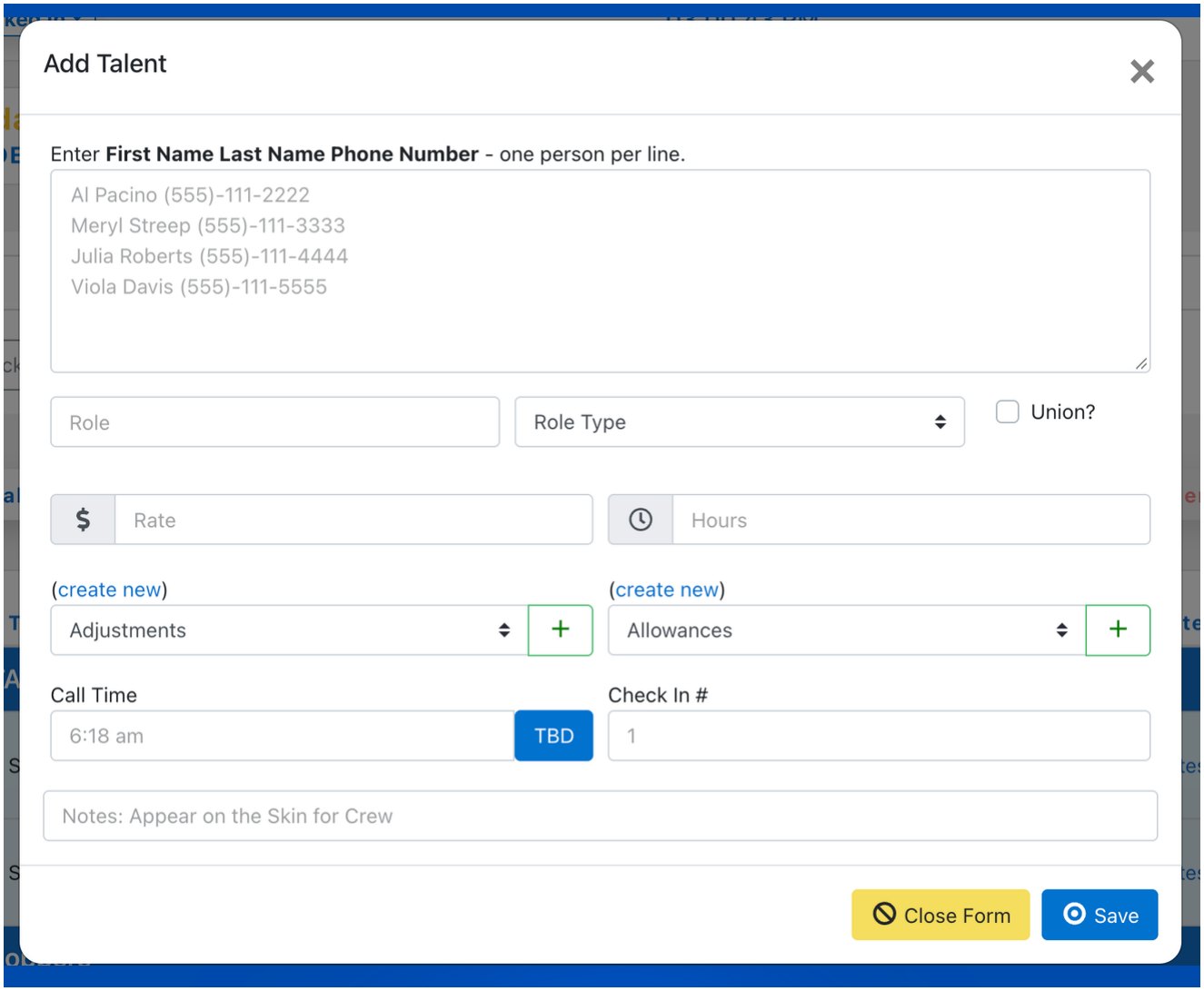
- Click Add Talent on your Skins tab.
- Enter or paste the BG's information into the fields. First name, last name and phone number are required, along with the role name, the role type (rates fill in on their own when they're built into RABS), and a call time or TBD. Check in number, adjustments and allowances are optional.
- Click Save. The BG appear on the Skins.
Note: A pop-up tells you if there's an error in your entry.