How do I change call times?
Crew Support. Editing skins.
- Go to the Skins tab.
- Select the BG you need to edit. Select individually, select all, or use your filters.
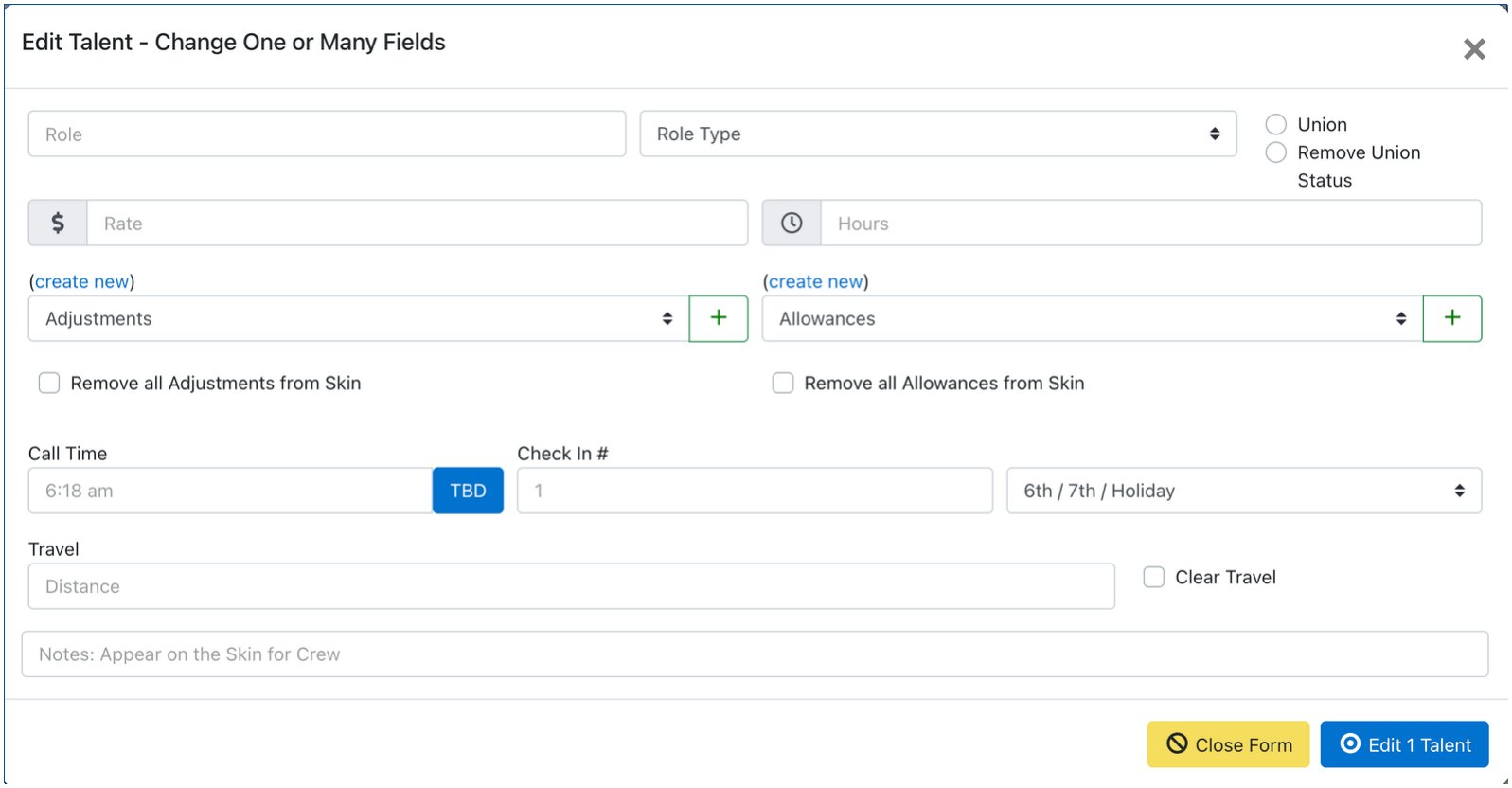
- Click Edit Talent.
- Enter the call time in the pop-up.
- Click Edit Talent at the bottom of the pop-up to save. The new call time shows on the Skins.
Note: If it's on the Skins, it's on the vouchers.