How do I create or edit a day?
Crew Support. Creating skins.
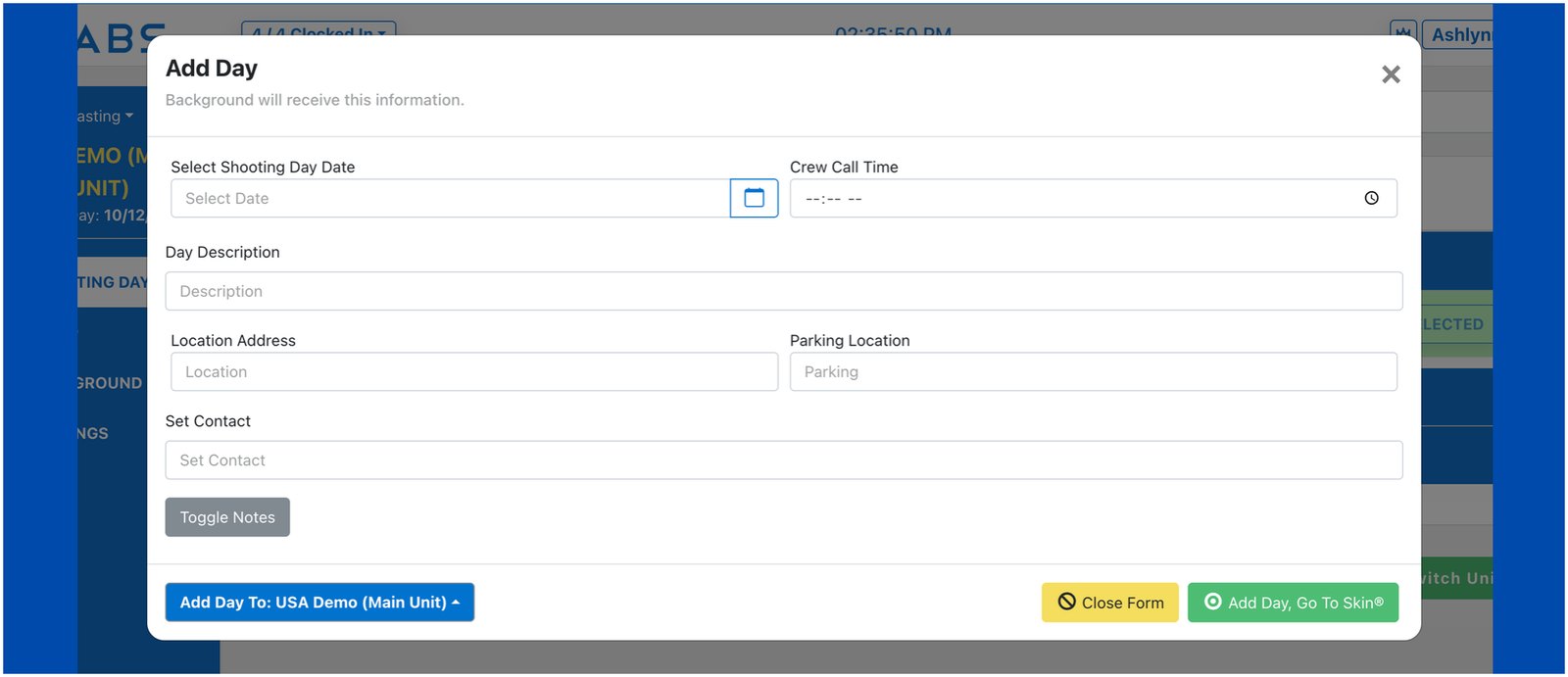
- Click Add New Day on your calendar of shooting days.
- Choose the unit in the bottom left corner of the pop-up.
- Choose the shooting day date and enter a day description. In Canada, enter the crew call too. Everything else is optional.
- Click Add Day, Go to Skin.
To edit a day, click Edit next to it on your calendar of shooting days.
