How do I import BG to the Skins?
Crew Support. Creating skins.
- Make sure your Settings in the left menu match the headers in your spreadsheet. Case matters.
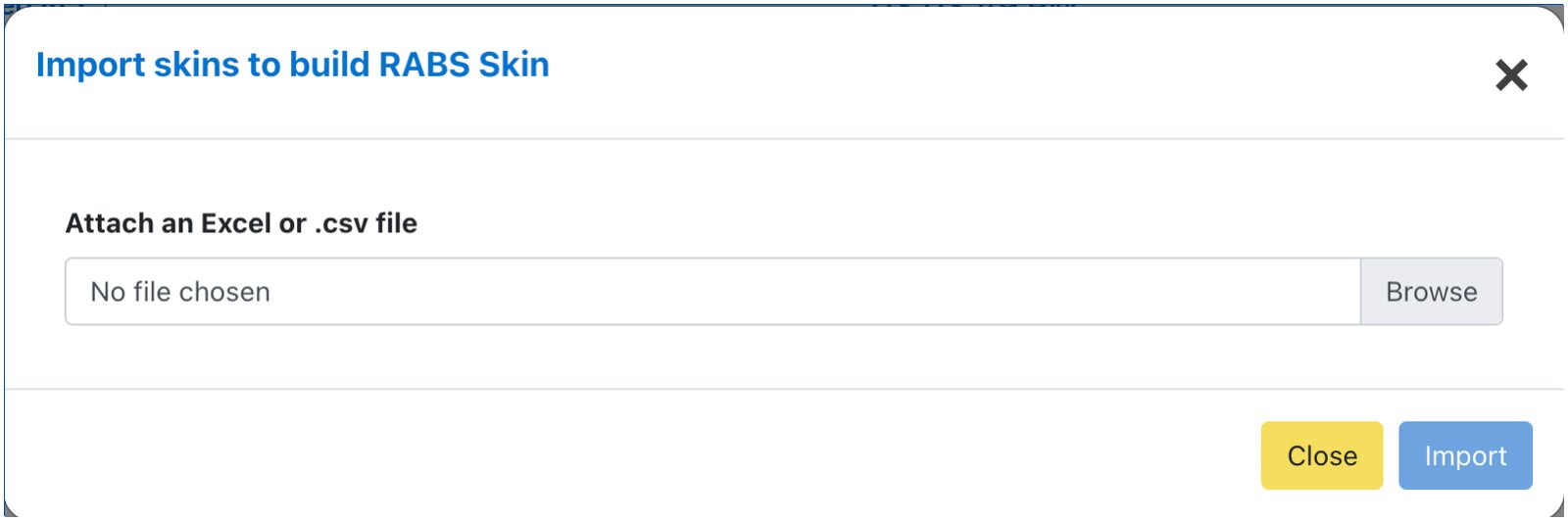
- Click Import Talent File on your Skins tab.
- Attach an Excel or CSV file and click Import. The BG appear on the Skins when the import is complete.
Note: A pop-up flags any errors in your file.