How do I issue costumes or props?
Crew Support. Issuing and returns.
- Go to the Costumes or Props tab in the left menu.
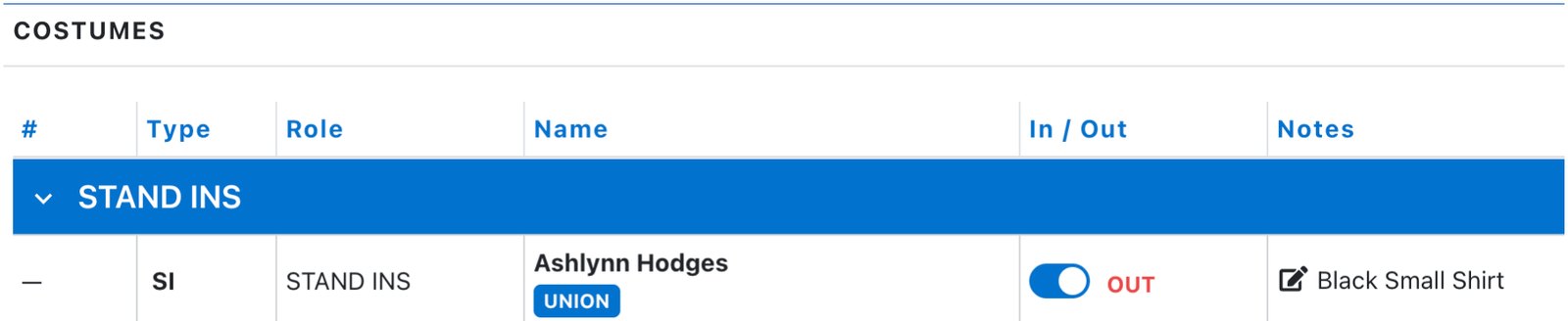
- Turn on the switch next to each BG holding costumes or props, and add any notes.
Note: ADs can't clock out BG who are holding items. The shirt or hat icon on the Skins is red while they are.