How do I break background for a meal?
Crew Support. Meals.
- Go to the Meals tab.
- Select the BG you're breaking for a meal. Select individually, select all, or use your filters.
- Click Send to Meal.
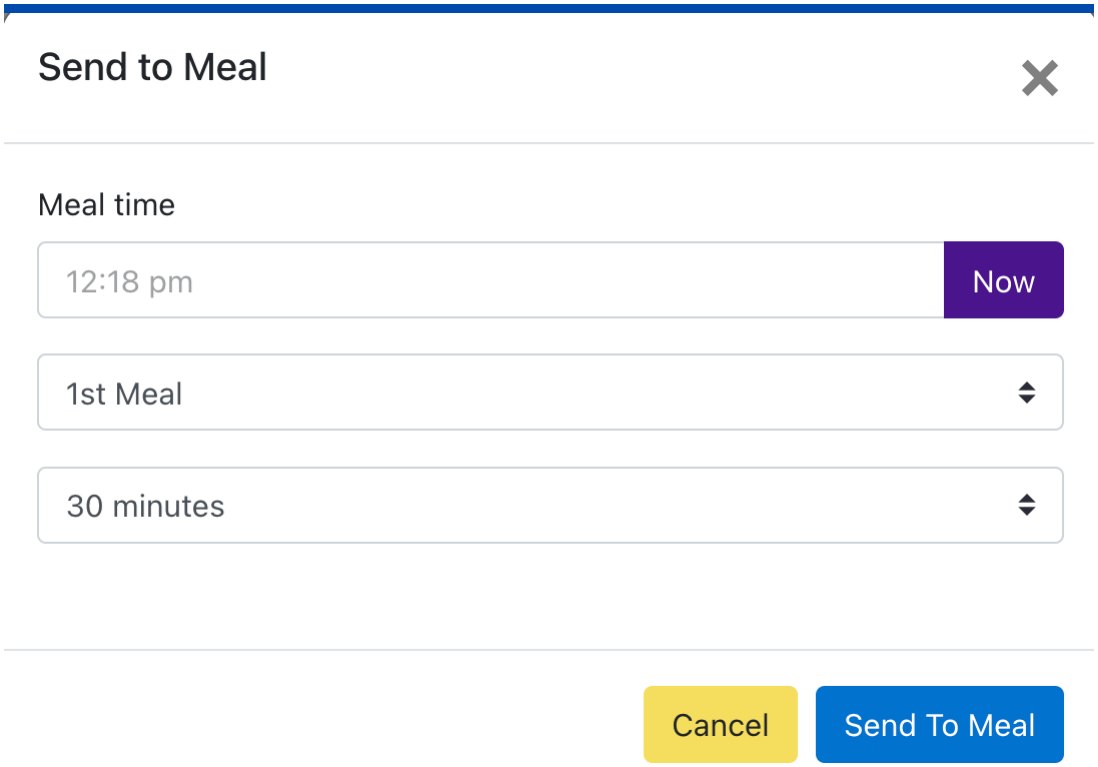
- Enter the meal time, pick 1st or 2nd Meal, and pick the duration.
- Click Send to Meal. The BG get a text with their meal time.
Note: Use your filters. The Meals filter shows who has had a meal and who hasn't.