How do I remove adjustments and allowances?
Crew Support. Editing skins.
Adjustments are contractual changes to a BG's wage. Allowances are extra compensation added to a BG's pay and are not pensionable.
- Go to the Skins tab.
- Select the BG you need to remove the adjustment or allowance for. Select individually, select all, or use your filters.
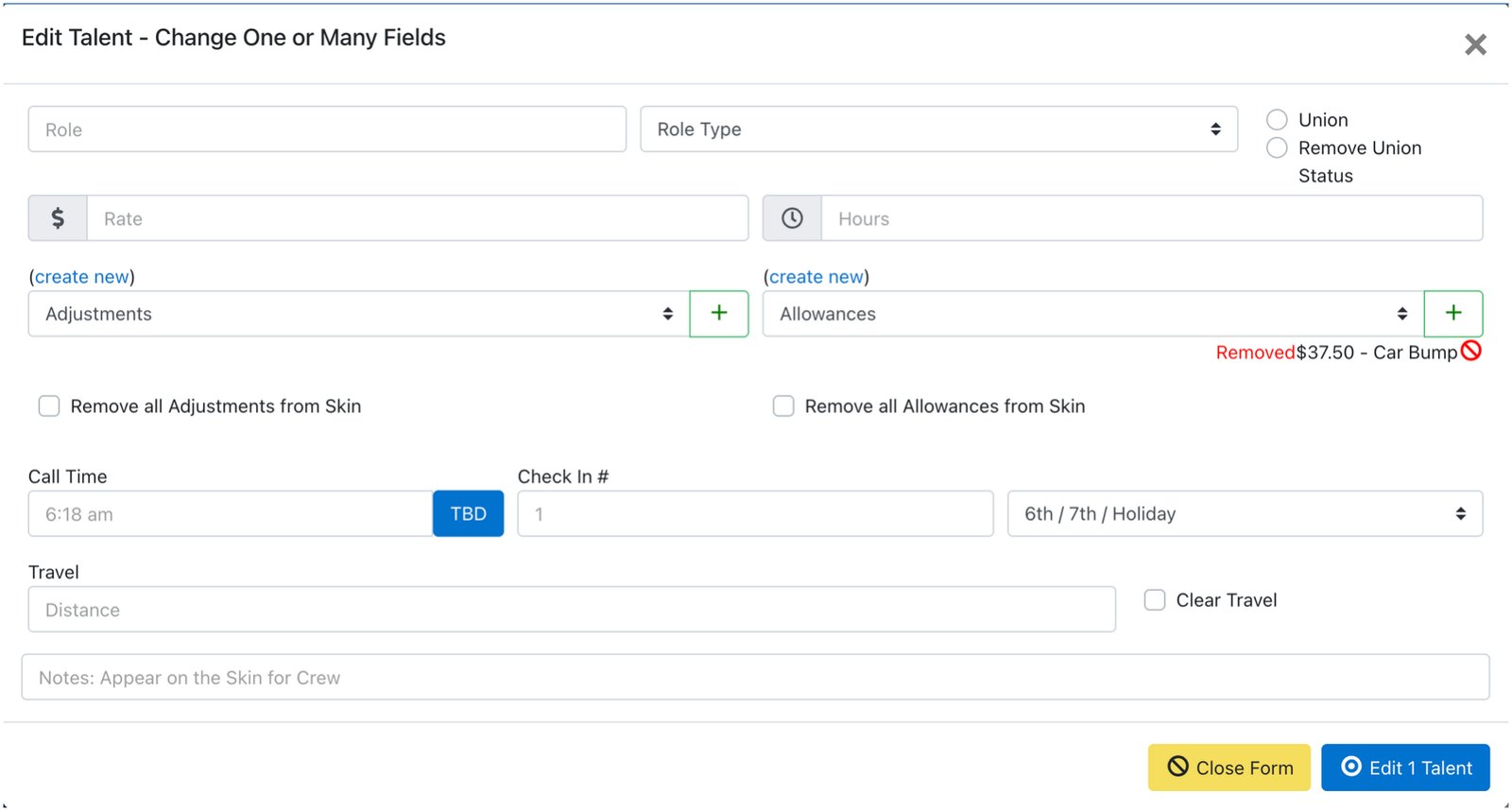
- Click Edit Talent.
- Click the red remove button next to the adjustment or allowance under the drop-down. It reads Removed. Remove all Adjustments from Skin and Remove all Allowances from Skin clear them for everyone selected.
- Click Edit Talent to save.
Note: If it's on the Skins, it's on the vouchers.