How do I issue 6th, 7th or holiday pay?
Crew Support. Editing skins.
- Go to the Skins tab.
- Select the BG who get 6th, 7th or holiday pay.
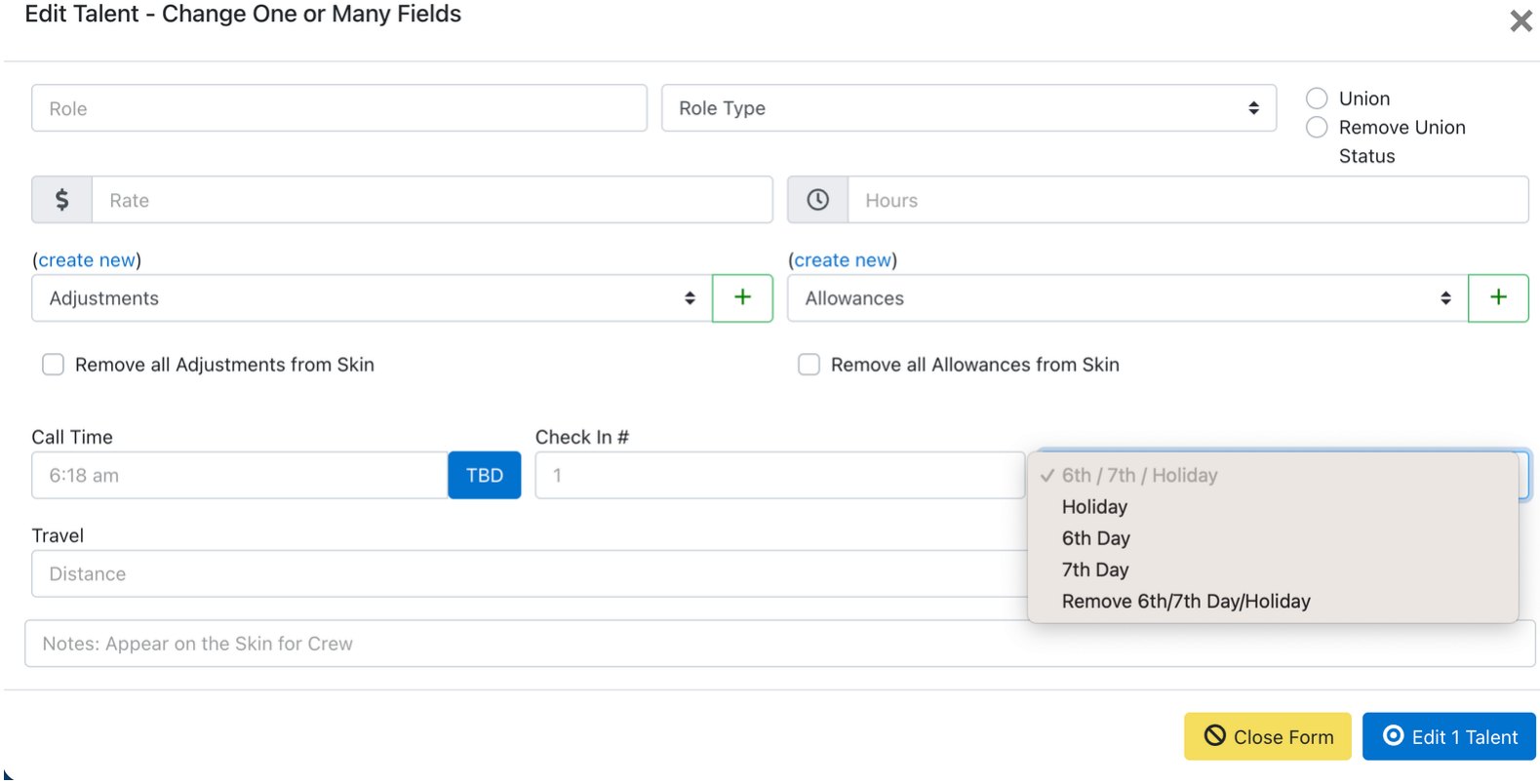
- Click Edit Talent.
- Choose 6th Day, 7th Day or Holiday in the drop-down in the pop-up. Remove 6th/7th Day/Holiday clears it.
- Click Edit Talent to save.
6th, 7th and holiday pay are noted on the breakdown and the vouchers. To check a BG, click the arrow next to them on the Skins: the button is green when it's on and gray when it's not.